Listing photos, automatically

Turn a phone walkthrough into listing‑ready photos.

Point your phone around a room. RoomCast cleans, declutters and relights every frame — then hands you magazine-quality photos and an interactive 3D view.

A Brightbase prototype — early exploration
Magazine-quality results
Declutter & relight
Interactive 3D objects
Minutes, not a photoshoot
The problem

Most homes are shot on a phone, in a hurry, in bad light.

These are the photos that decide whether someone books or scrolls past — and almost every listing starts here.

Dim, uneven light

Harsh yellow bulbs and dark corners make even a great room look small and tired.

Clutter everywhere

Cables, dishes, laundry — the everyday mess that pulls the eye away from the space itself.

Crooked angles

Tilted walls and leaning verticals that quietly read as "amateur" before a word is even spoken.

Scroll on — watch real rooms become listing photos below, no photographer required.

The transformation

Drag to see the difference.

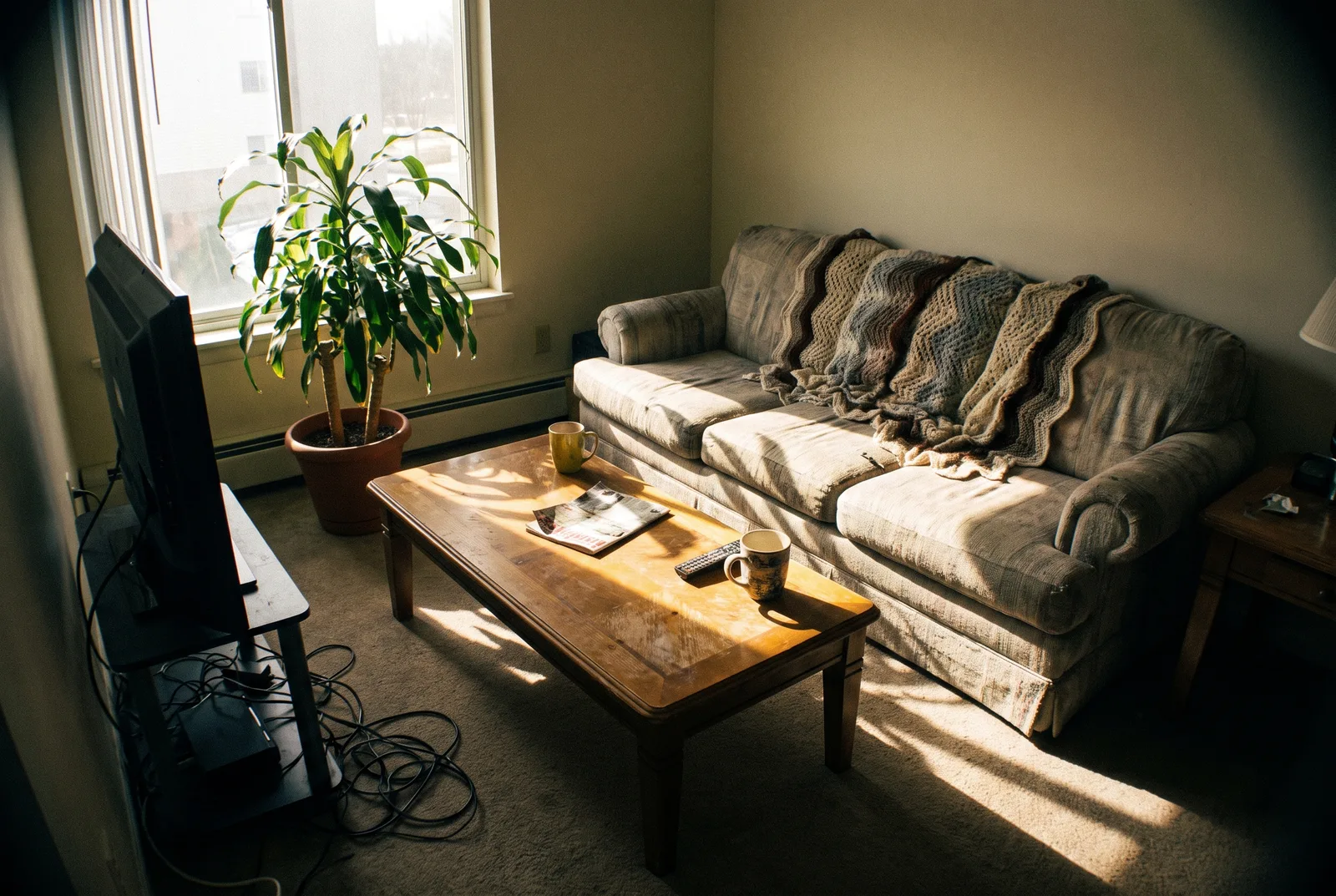
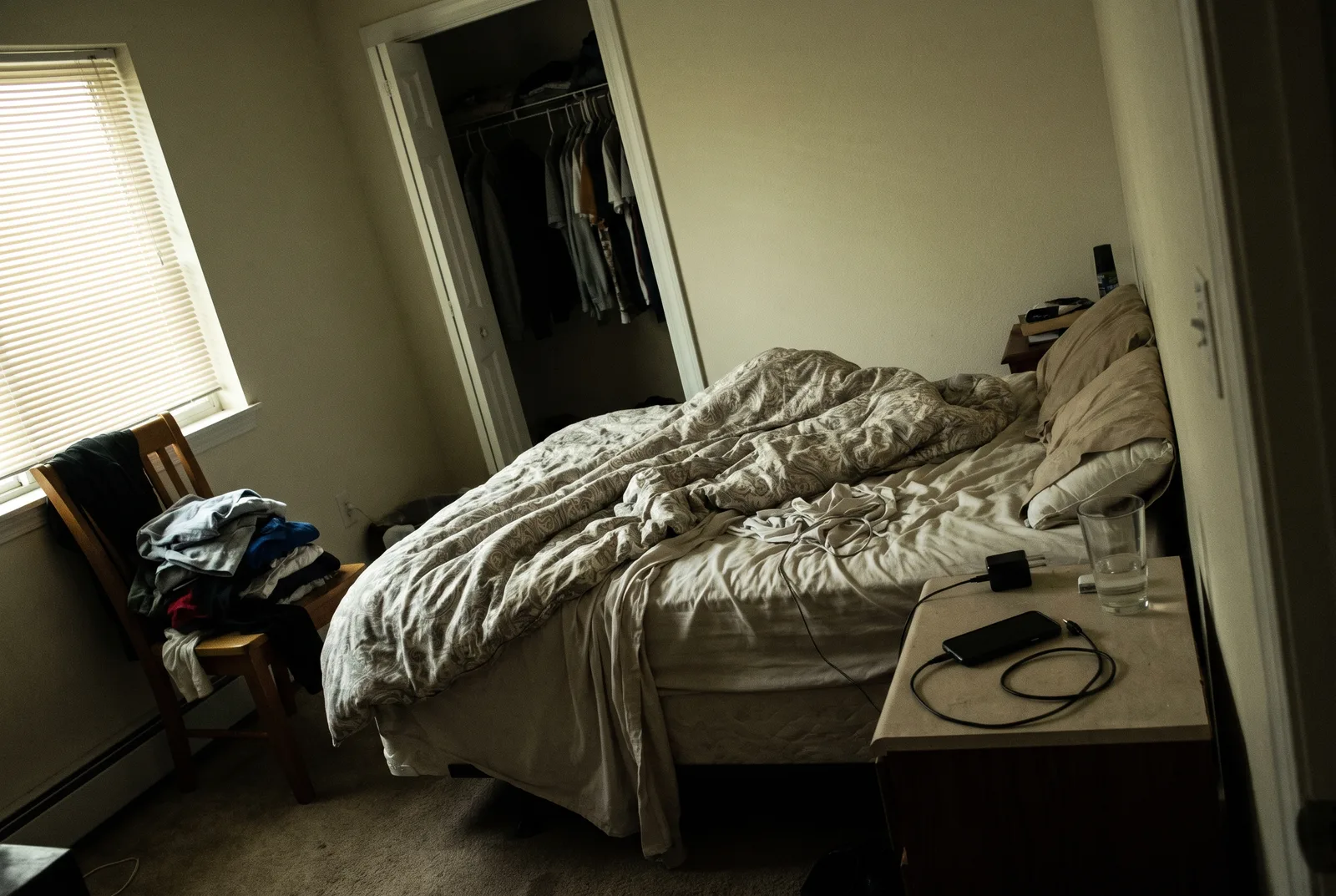
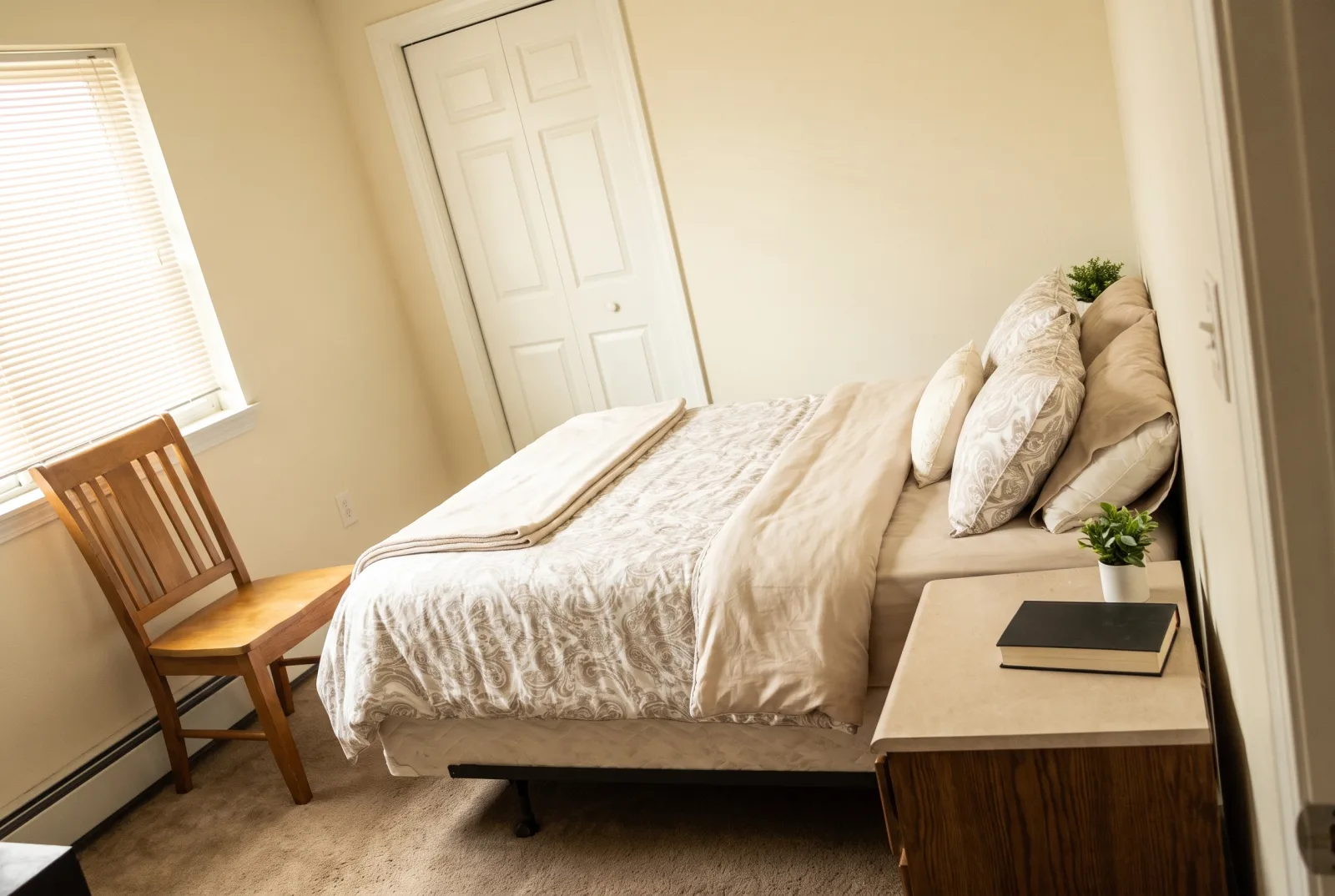
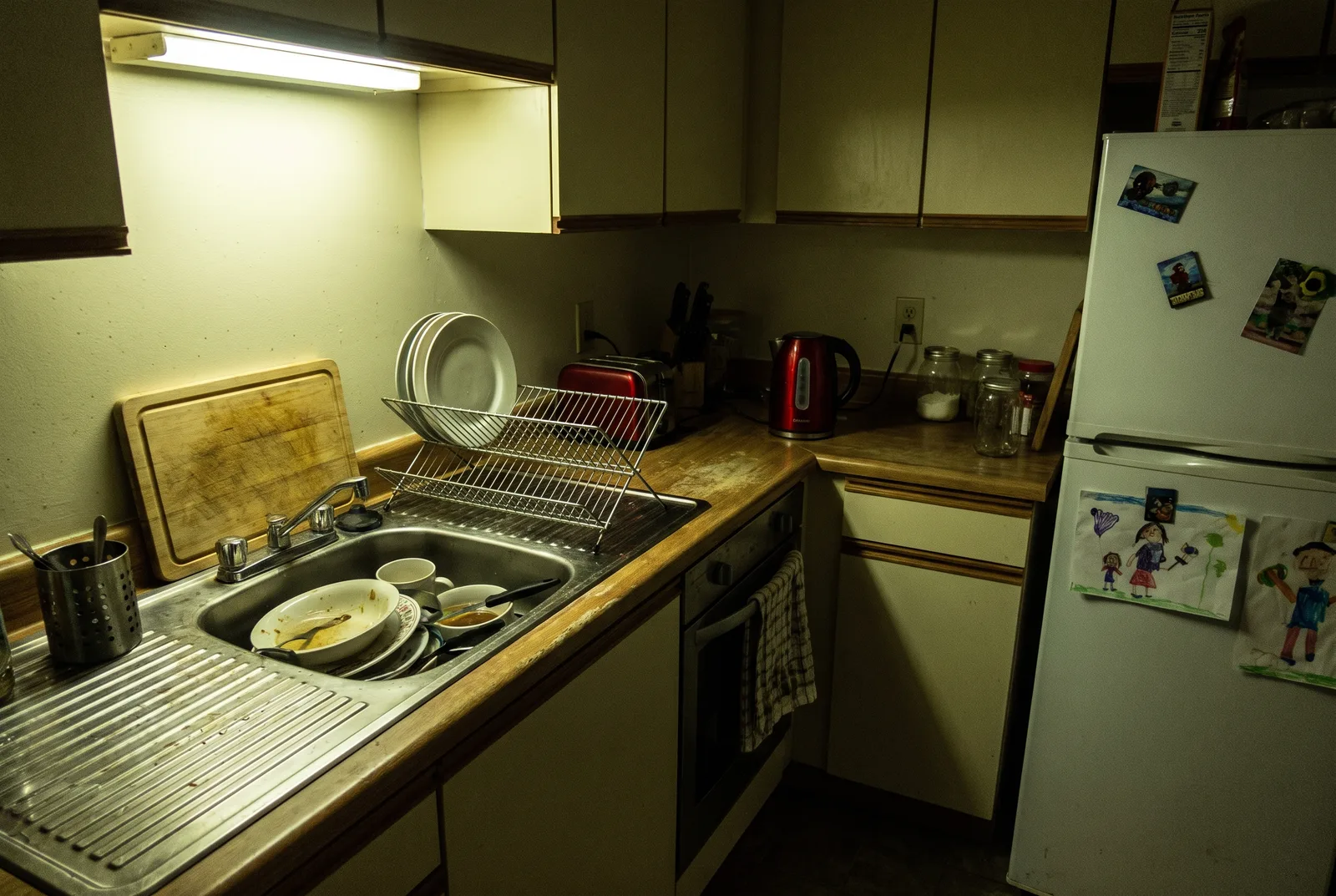
The same room — left, the raw phone snapshot; right, the RoomCast listing photo. Same furniture, decluttered and relit. Three real rooms below.

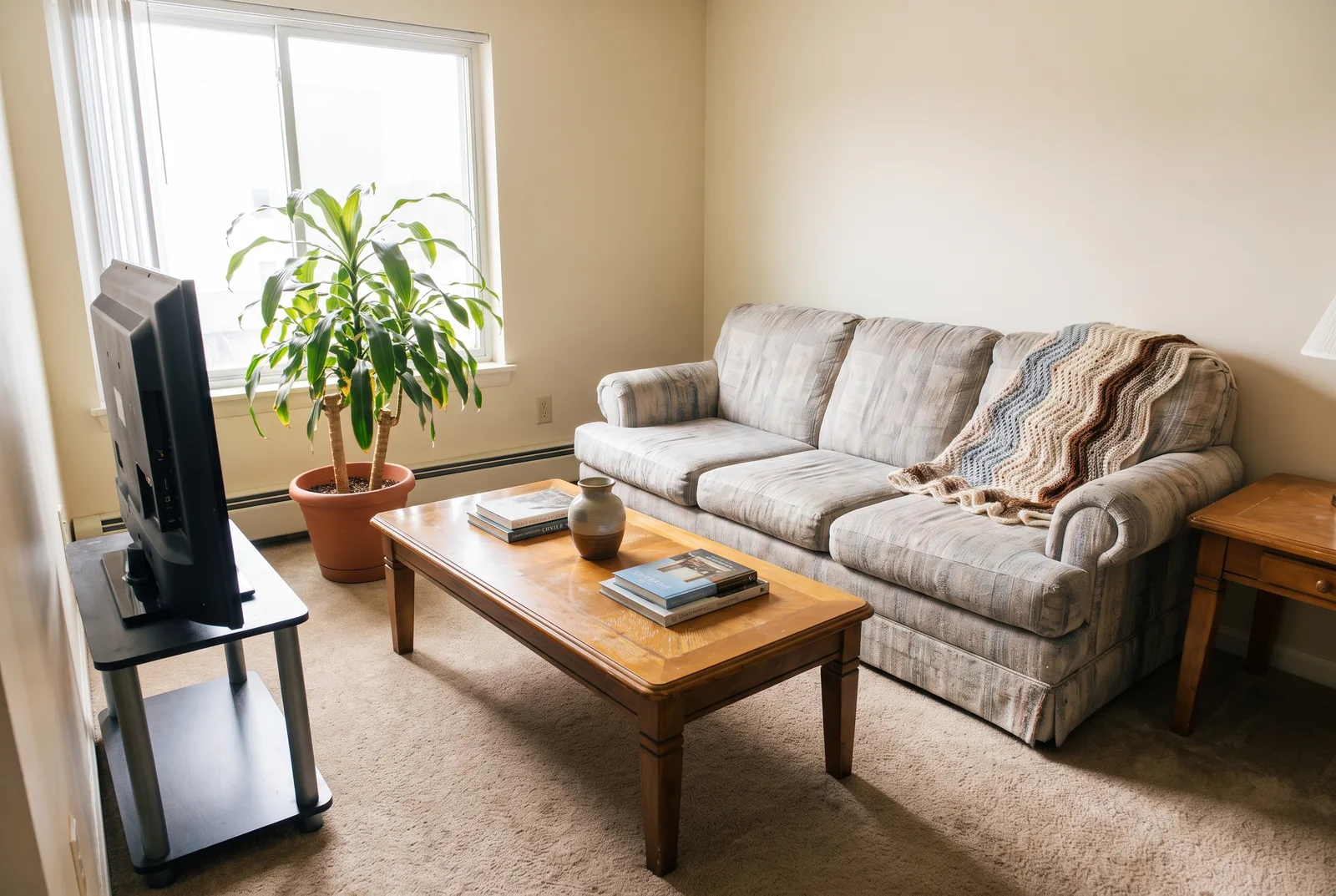
Living room
Living room as a raw, dark phone snapshot with cables and clutter The same living room as a bright, clean, professional RoomCast listing photo Phone snapshot RoomCast
Bedroom
Bedroom as a dim phone snapshot with an unmade bed and clutter The same bedroom as a bright, tidy, professional RoomCast listing photo Phone snapshot RoomCast
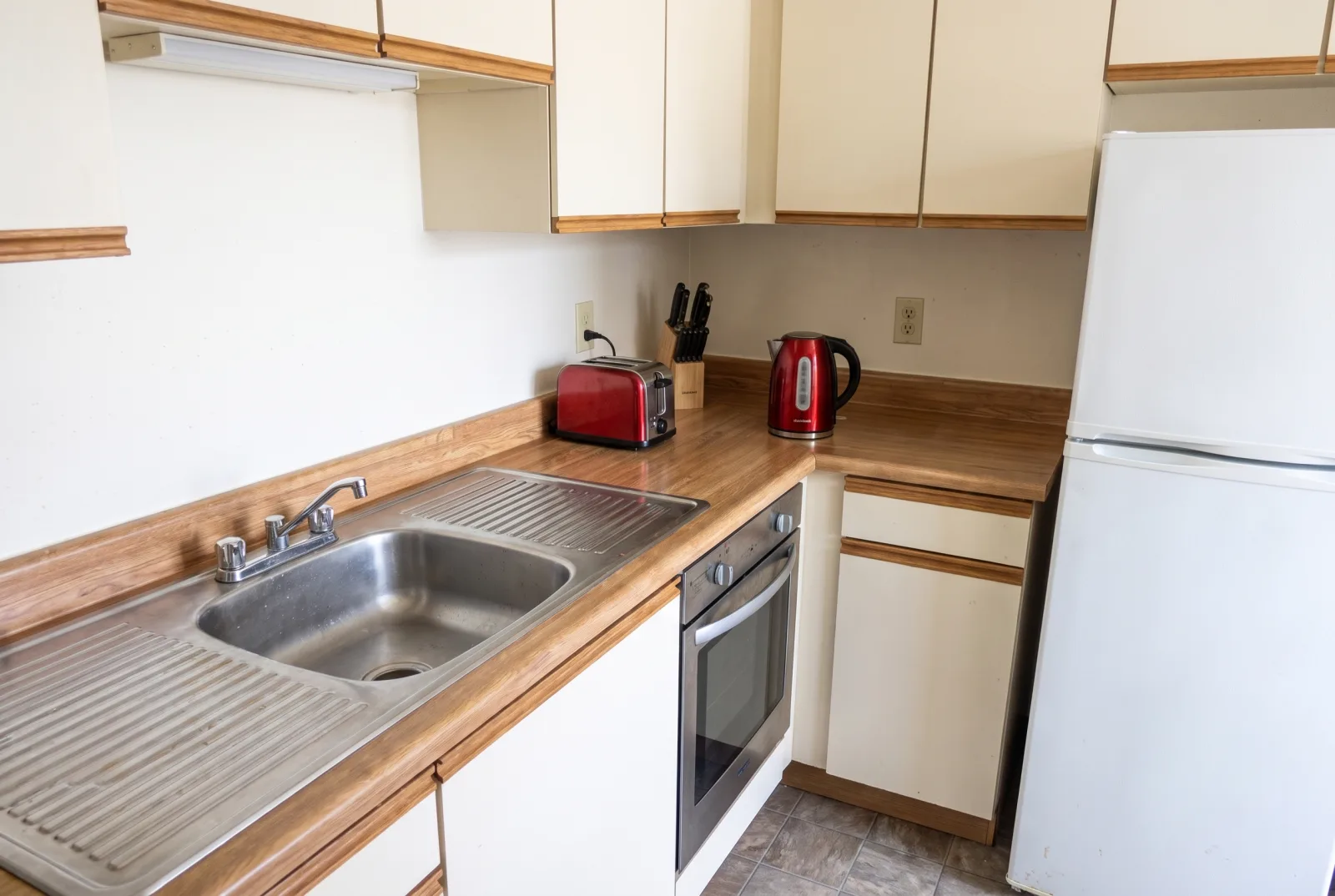
Kitchen
Kitchen as a dim phone snapshot with dishes in the sink under harsh yellow light The same kitchen as a bright, clean, professional RoomCast listing photo Phone snapshot RoomCast

Drag any handle — or use ← → arrow keys when a slider is focused.

Interactive 3D

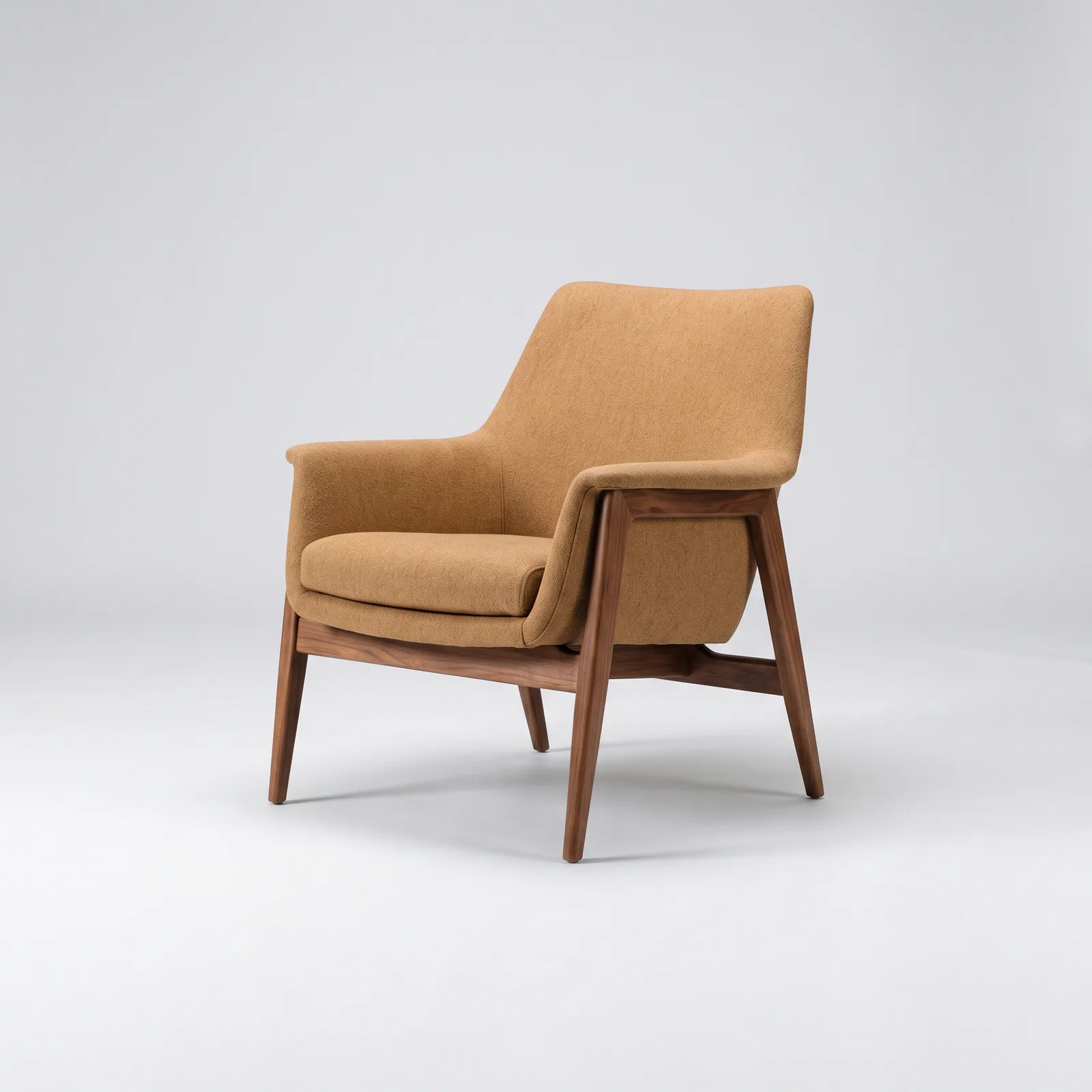
Lift any piece of furniture into 3D.

RoomCast pulls objects out of the room and rebuilds them as real, rotatable 3D models. Drag to spin it. Pinch or scroll to zoom.

A tan upholstered mid-century lounge chair with a walnut frame, the source for the 3D model
Drag to rotate
How it works

Three steps, no photographer.

From the phone in your pocket to a full set of listing-ready assets.

1

Walk the room

Hold up your phone and slowly pan around. A 20-second walkthrough captures every wall, corner and surface.

2

AI does the work

RoomCast cleans, declutters and relights every frame — straightening lines and balancing light like a pro photographer would.

3

Download & list

Get a full set of listing photos plus interactive 3D views of the standout pieces — ready to publish in minutes.

Try it

Drop in a walkthrough.

Add a short room video and watch RoomCast pull out the frames. We'll then show you the kind of result you get.

Your walkthrough frames

Cleaning, decluttering & relighting…
Sample raw phone snapshot of a living room Sample RoomCast listing photo of the living room Phone snapshot RoomCast

The kind of result you get — sample shown on our living-room capture.

Prototype — we extract real frames from your video in your browser, but the AI transformation here is shown on a sample capture. Live processing of your own room is the next build step.